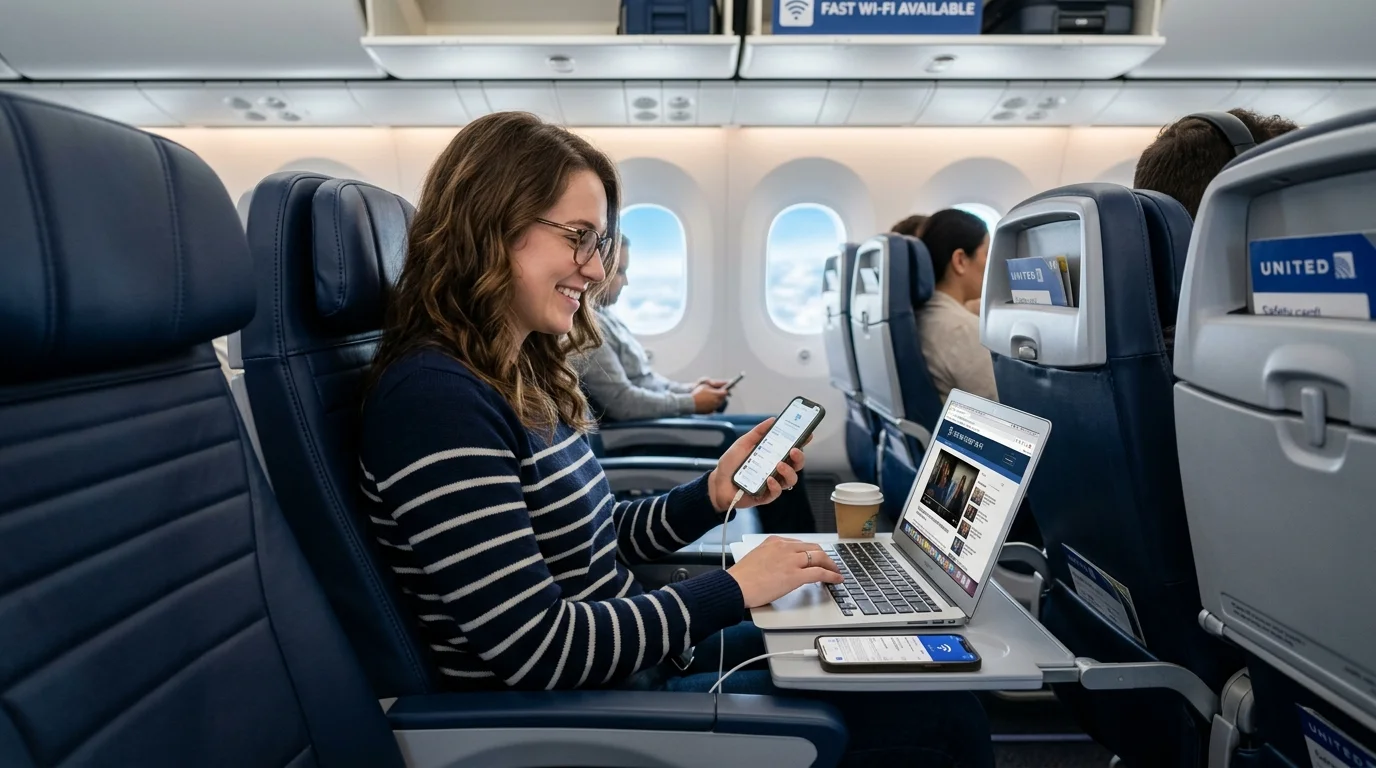
Yes, Free Wi-Fi on United Airlines is available to eligible MileagePlus members on flights equipped with Starlink. But not all United flights have Starlink, and other planes may charge different rates and have different terms for Wi-Fi access. Passengers should check the service available for their particular flight before traveling.
United is expanding its Starlink service across its fleet. In its second-quarter 2026 results, the airline reported that Starlink had been installed on 450 United mainline and United Express aircraft and that the rollout was continuing.
Yes, United is providing free Starlink Wi-Fi for MileagePlus members on flights equipped with Starlink. To take advantage of this benefit, passengers must have a MileagePlus account and follow the connection instructions on board.
Keep these points in mind:
MileagePlus membership is the key requirement for free Starlink access on an equipped flight. Non-members should not assume that they can access Starlink for free.
Before boarding:
The United Wi-Fi MileagePlus price for Starlink is $0 for eligible members on equipped flights. This does not mean all United Wi-Fi services are free, or that a paid Wi-Fi subscription is required or useful on every flight.
The United Airlines Wi-Fi cost depends on the service available on your aircraft and the access option provided with your trip. Starlink is free for eligible MileagePlus members when available, but other onboard Wi-Fi services may have different prices.
| Wi-Fi option | What passengers should know |
|---|---|
| Starlink Wi-Fi | Free for eligible MileagePlus members on Starlink-equipped flights. |
| Other onboard Wi-Fi | Pricing and access conditions depend on the aircraft and service available. |
| Wi-Fi subscription | Check current subscription plans, eligibility and terms on United's official website. |
| Multiple devices | Switching an active plan between devices may be possible. Simultaneous use may require an additional purchase. |
United offers a page where customers can review and manage available subscriptions. Check current options and terms on the United subscription page. Don’t expect a subscription to provide access to all flights, all aircraft, or simultaneous access on multiple devices.
If you are asking, “Is Wi-Fi free for MileagePlus members?”, the accurate answer is that free Starlink Wi-Fi is available to MileagePlus members on Starlink-equipped flights. Other Wi-Fi services may be subject to different terms.
Starlink provides satellite connectivity to deliver internet access in the air. United is rolling out the service plane by plane, so the experience will vary depending on whether the aircraft you’re flying has been fitted out.
United’s second quarter of 2026 results confirmed the rollout had reached hundreds of mainline and United Express aircraft, including the start of widebody installations. The airline also described its plan to continue the rollout through the end of 2027.
Passengers should not assume that a given route always uses Starlink. Aircraft assignments are subject to change and an international route may be operated on an aircraft with a different Wi-Fi system.
Internet performance can also vary with aircraft equipment, network conditions, and the service available on the flight. United does not establish one universal speed for every flight, so avoid relying on a fixed speed claim.
Use these general steps to connect. The actual portal and options can differ by plane and onboard service.
United Airlines in-flight messaging and full internet access are not necessarily the same thing. Availability of messaging and supported features may depend on the Wi-Fi system on board and on the instructions displayed during the flight.
Before using messaging:
United has Wi-Fi on some international flights, but the service is dependent on the aircraft and route. Starlink is being introduced to more aircraft, including widebody aircraft used on some long-haul services. That rollout does not establish that every international flight has Starlink or that every flight provides identical coverage and performance.
Prior to an international trip:
The options depend on the service and plan. United's Wi-Fi portal says an active internet plan may be switched to another device, while simultaneous access on two devices requires an additional internet purchase as a guest. Check the portal for the terms that apply to your flight.
Yes. United states that free Starlink Wi-Fi is available to MileagePlus members on Starlink-equipped flights. The service is not guaranteed on aircraft that have not received Starlink.
Check your flight information on United's official in-flight Wi-Fi page. Because aircraft assignments and the Starlink rollout can change, a route alone does not guarantee a particular Wi-Fi service.
Do not assume that photo or video sharing is part of the package. Check the onboard portal for the supported apps, features, and terms available on your flight.

At Senior Flight Discount, our editorial team is committed to providing accurate, reliable, and easy-to-understand information about airline policies, senior travel, flight discounts, and other air travel topics. Our goal is to make complicated airline rules easier to understand so travelers can make informed decisions with confidence.
Call our senior helpline for exclusive flight deals not available online
Call Senior Helpline: +1-855-546-5012Some senior flight discounts and promo fares are not published online. Call our booking specialists now to find the lowest unpublished rates.